DELTRY / FITNESS & LIFESTYLE
Movkey The app that turns movement into screen time
Movkey links movement to screen time: a console, TV or PC is only unlocked via a smart plug once the activity goal is reached – for families and anyone who wants to motivate themselves.
Closed beta – registration by invitation code only
On your phone without an app store:
- iPhone: open the web app in Safari, tap the share icon, then “Add to Home Screen”.
- Android: open the web app in Chrome, tap the ⋮ menu, then “Install app”.
THE IDEA · ABOUT MOVKEY
Screen time you earn.
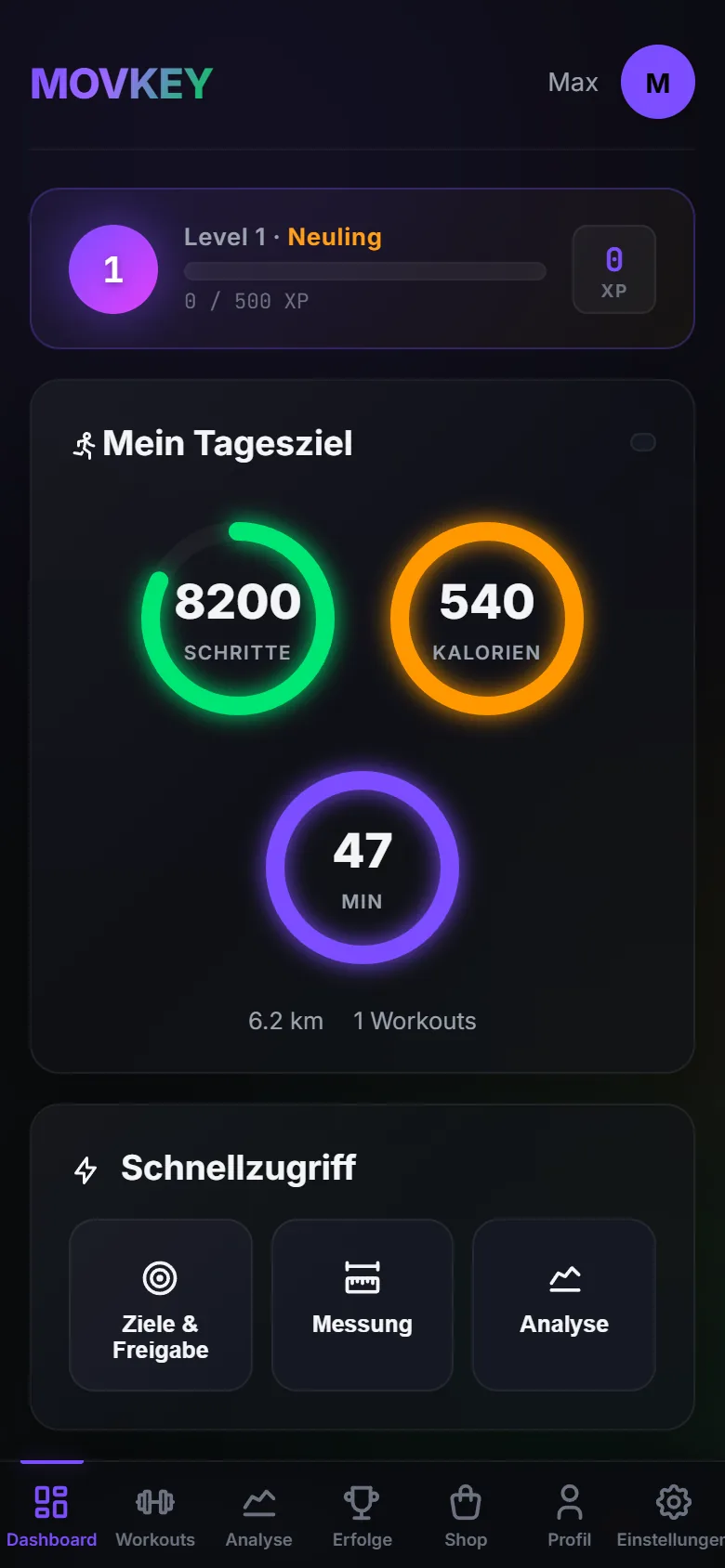
Bans often lead to arguments. Movkey flips the idea around: if you move, you earn your screen time. The app tracks steps, active calories and active minutes and only unlocks devices once the goal is reached – for real, through a smart Wi-Fi plug.
Parents set goals for their children and follow their progress live. Families work towards a shared goal and unlock a device together. And anyone who wants to motivate themselves simply uses Movkey on their own.
There are two ways to unlock: in daily-goal mode the device switches on as soon as the goal is reached. In battery mode, movement charges up screen time that then runs down – with a warning. Streaks, coins and rewards help you keep going.
What’s inside
- Daily-goal mode: devices unlock as soon as the activity goal is reached
- Battery mode: movement charges up screen time that then runs down – with a warning
- Family goal: work towards a shared goal and unlock a device together
- Parent account with child accounts, individual goals and live progress
- Real unlocking via smart plugs – Shelly and TP-Link directly, many more via Home Assistant
- Streaks, coins and rewards for staying on track
- Privacy built in: data export and account deletion right in the app
- Developer
- DELTRY
- Intended platforms
- Web app · Apple App Store · Google Play
- Status
- Closed beta – registration by invitation code only
- For
- Families and self-motivators
- Languages
- English, German
A CLOSER LOOK
A look at the app.
QUESTIONS & ANSWERS
Frequently asked questions about Movkey
How does Movkey work?
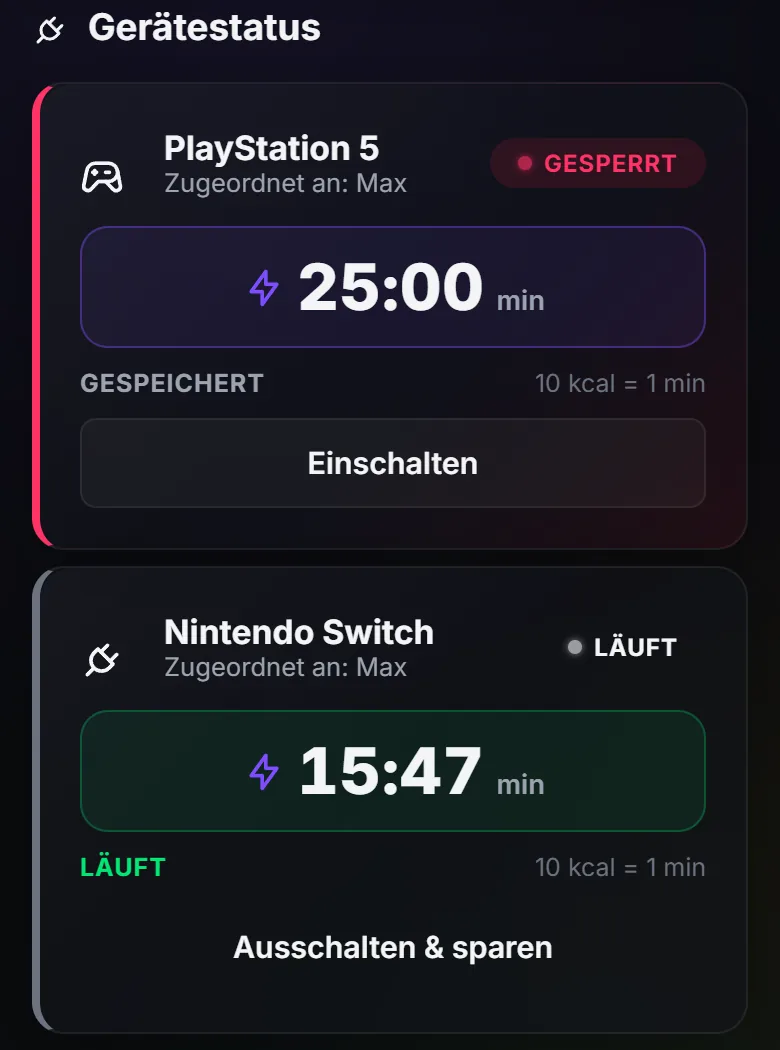
You add a device in the app – a console or TV, for example – and connect it to a smart plug. Then you set a goal, say 8,000 steps. Once it is reached, Movkey switches the plug on and the device gets power.
Which smart plugs work with Movkey?
Movkey controls Shelly and TP-Link smart plugs directly over Wi-Fi. Many other models – including Matter or Zigbee – can be connected via Home Assistant. A test in the app switches the plug on and off briefly so you can check the connection.
Do I need an app from the App Store?
No. Movkey runs as a web app in the browser and can be added to the home screen on iPhone and Android like a regular app. Versions for the App Store and Google Play are planned.
Can I use Movkey already?
Movkey is in a closed beta. Registration currently requires an invitation code.
What happens to my data?
You can export your data and delete your account at any time, right in the app. The details are in the app’s privacy policy.
ALSO FROM DELTRY